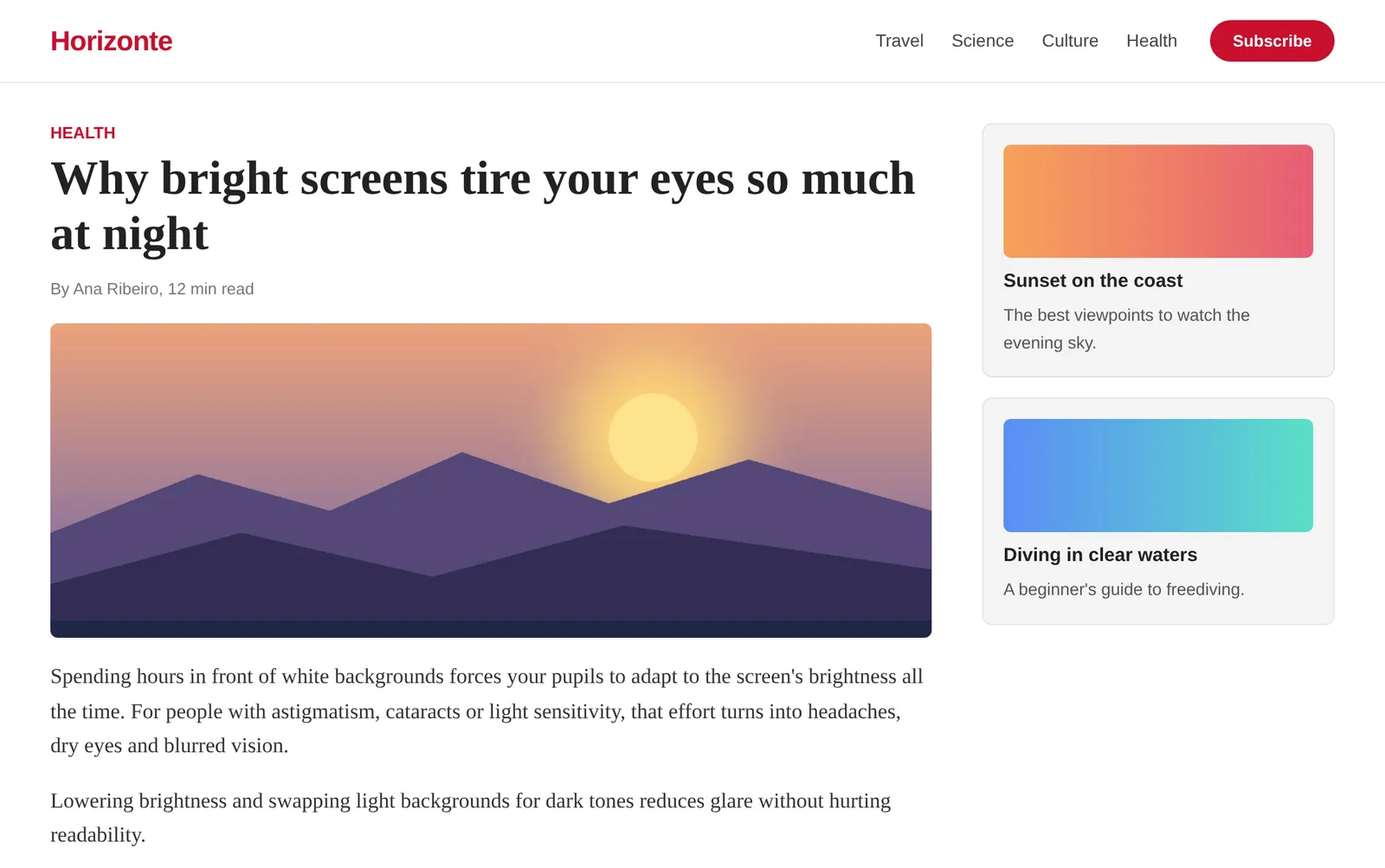
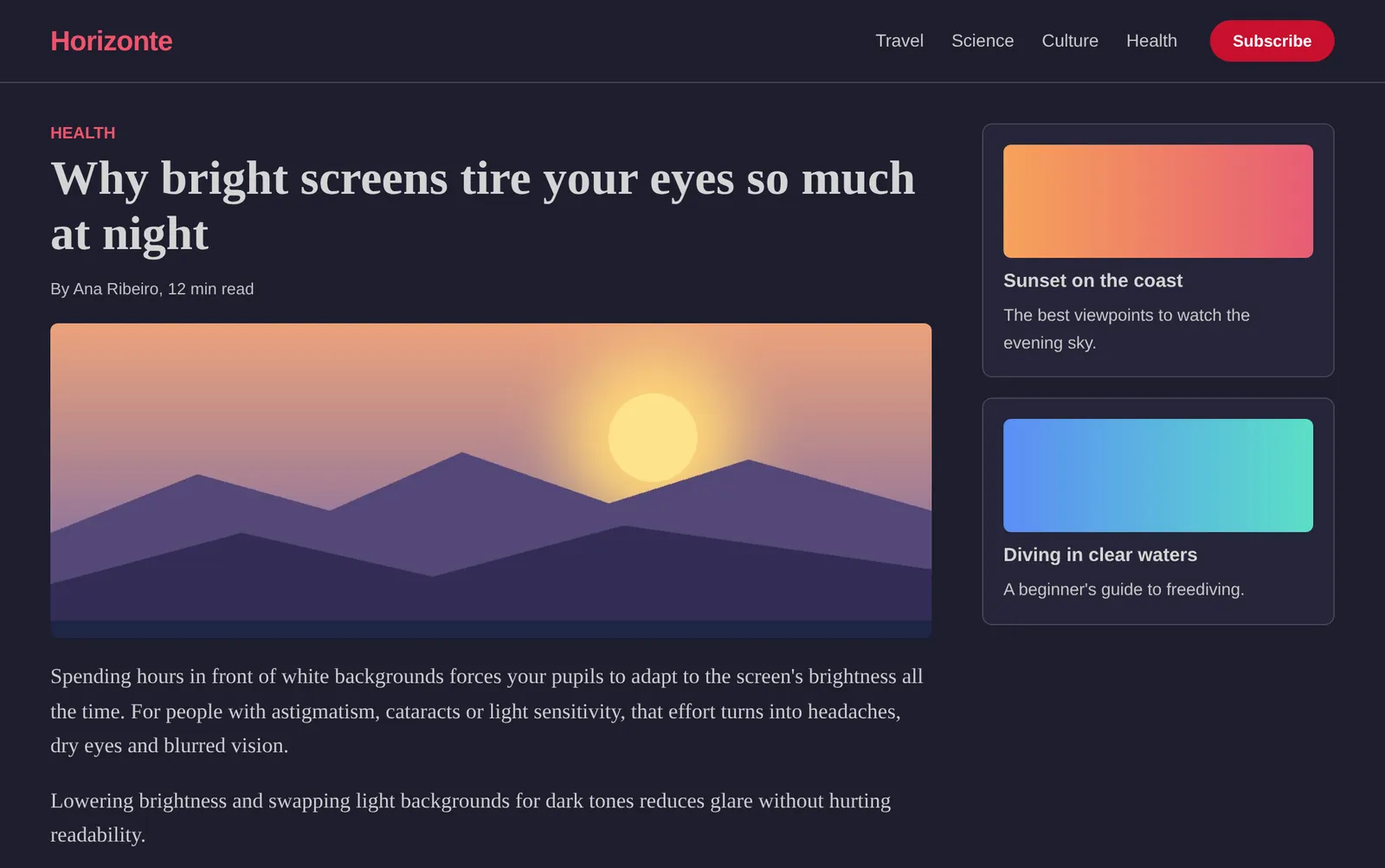
Dark mode and less glare on any website.
A Chrome extension made by someone who had cataracts, for people with cataracts, astigmatism, low vision or light sensitivity.
Made by someone who needed it
I'm Fabio. I had cataracts at 30, and screen brightness became a daily struggle.
I built Vision Comfort to make the web comfortable for my eyes again, and now I'm sharing it with everyone who goes through the same. It's free, with no ads and no data collection.
Fabio, creator of Vision Comfort
Frequently asked questions
Is Vision Comfort a treatment?
No. It makes screens more comfortable to look at, but it doesn't treat any condition and doesn't replace care from your eye doctor.
Is the extension free?
Yes. Vision Comfort is free and has no ads. If it helps you, you can support its development with a donation.
Which websites does it work on?
Almost all of them: news, social networks, shops, YouTube, Pinterest, documents and email. Internal browser pages, such as Chrome settings, don't allow extensions.
Does it work on Edge, Brave or Opera?
Yes. These browsers accept extensions from the Chrome Web Store.
Which mode should I use?
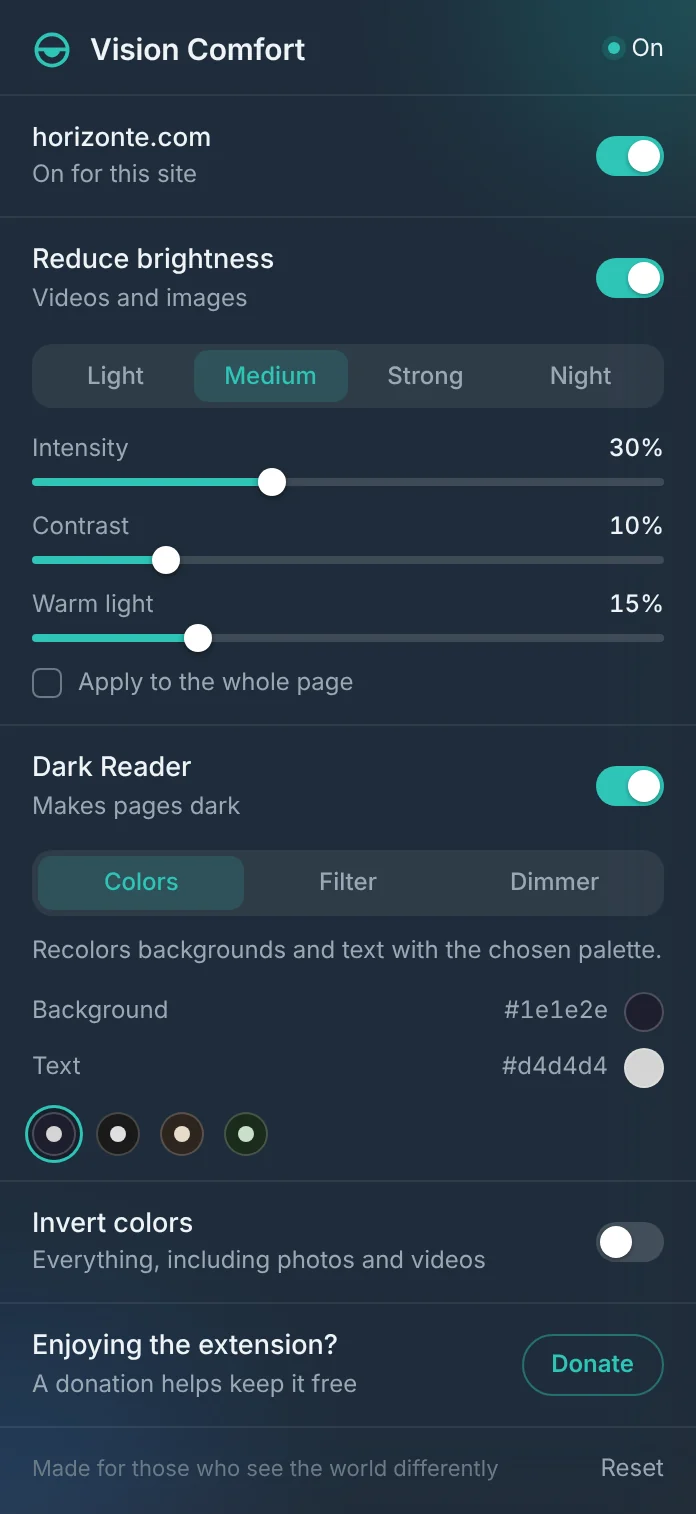
Start with Colors, which best preserves how sites look. If a site looks odd, try Filter, or Dimmer, which works on any page.
Are videos darkened too?
In dark mode, photos and videos keep their real colors. To dim videos and images, turn on Reduce brightness.